Can you play Joker Stoker on a phone?
Yes, in a browser. We haven’t verified any standalone APK or official app-store listing. Open the browser demo and choose Load demo here. You don’t need a separate Joker Stoker installer.
Endorphina says the game supports mobile devices and computers. We haven’t tested it on physical phones, and we don’t know the minimum Android or iOS versions.
Which way are you opening the game?
| Route | What to check |
|---|---|
| Provider demo in a browser | The full game title, readable buttons, an internet connection and JavaScript |
| The game inside a casino app | Who publishes the app, the operator’s terms and the actual game catalogue; none of this is verified here |
| A standalone download | A link from the publisher itself to the exact package or store listing; we don’t have a confirmed one |
| A bookmark or home-screen shortcut | A quick way to reopen a page; it isn’t a native app and doesn’t mean offline play |
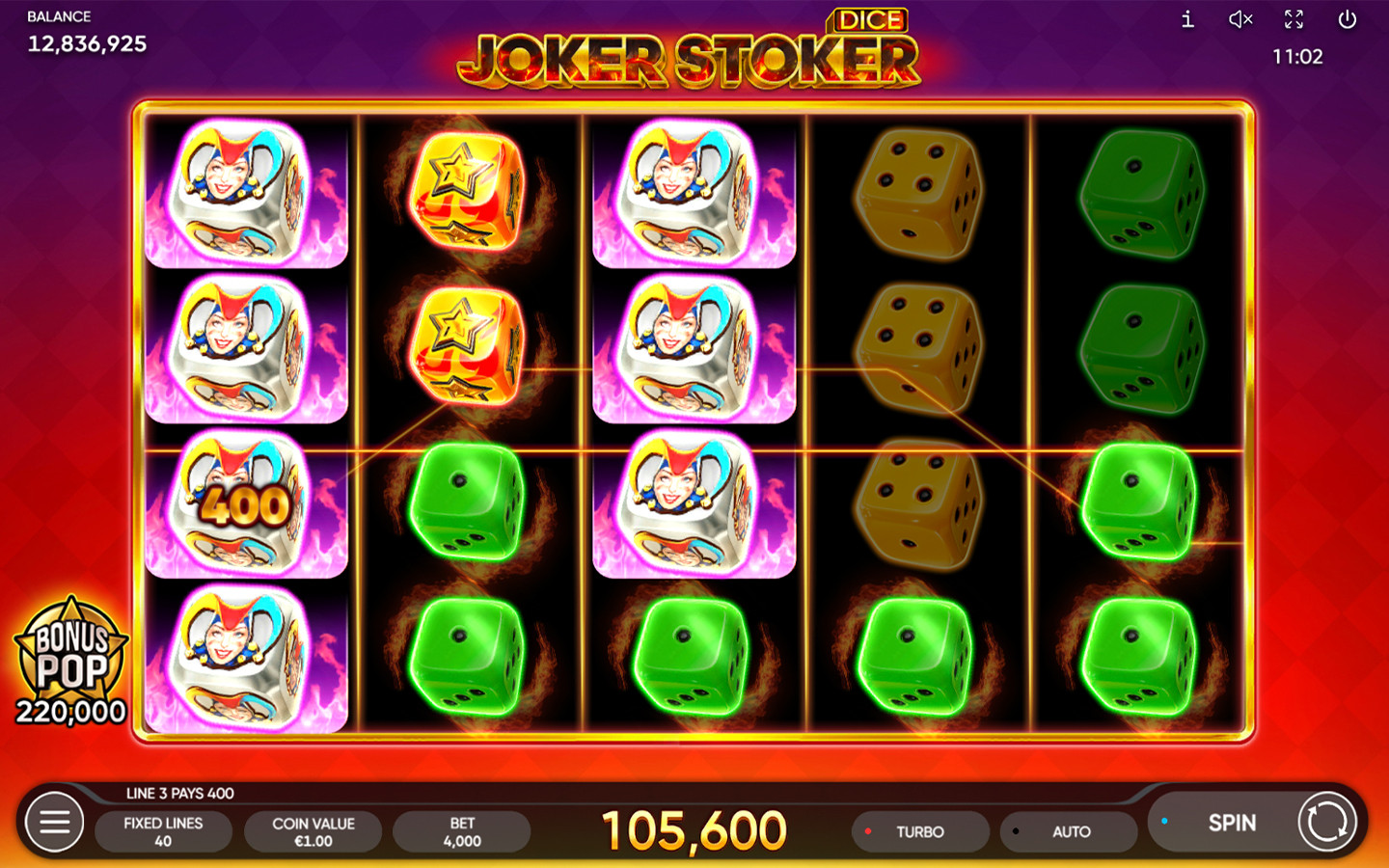
If you’ve found Joker Stoker Dice, that’s a different game. Check the version comparison before applying the original’s rules. For an operator’s app, the casino checklist helps you keep “can I open the game” apart from “can I open an account”.
Is there an official app or APK?
Not one we can offer: we haven’t verified any installer. A game logo or an “official” badge on a download site doesn’t tell you who published the file. Follow the listing back to the claimed publisher’s own website and compare the developer name and the product description. We haven’t inspected any mirrored packages, signatures or update routes.
Who's asking for that permission?
Look at which site or app is asking, and why that function would need the permission. We haven’t verified any permission list for a Joker Stoker app. The browser client is an external service, so its own notices explain storage and data handling.
What should you check on your phone?
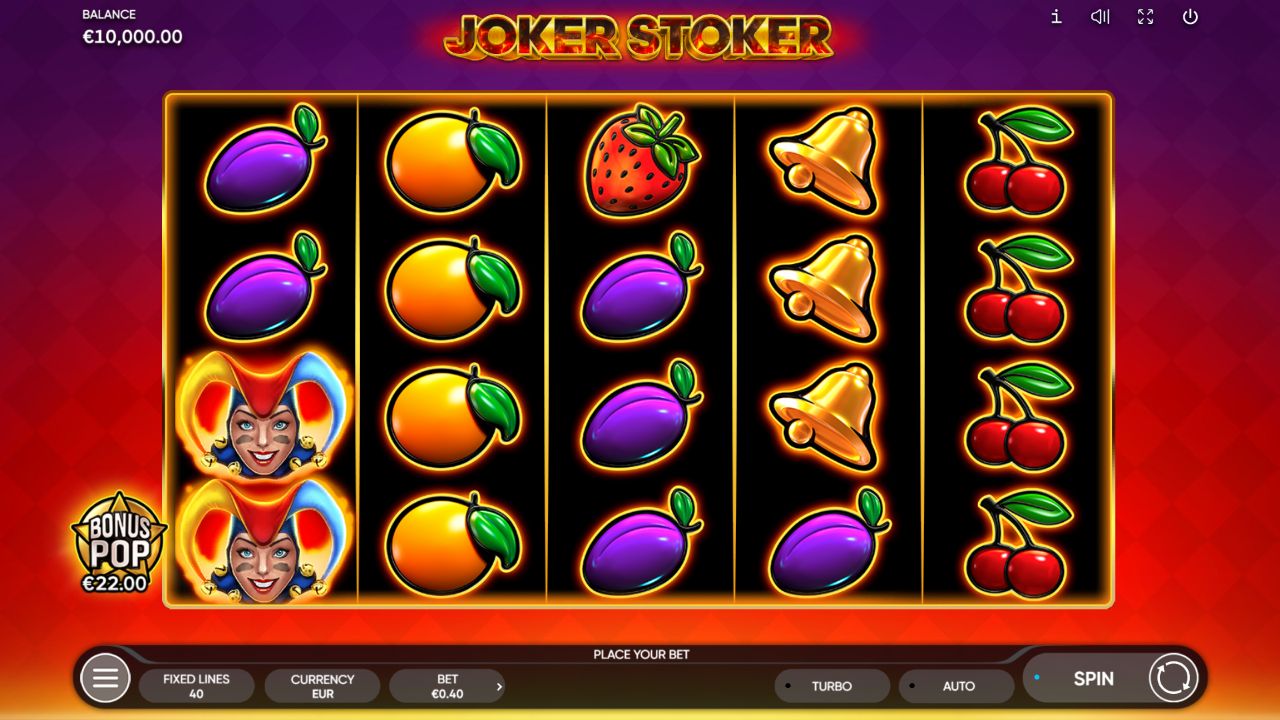
Before you start a round:
- Check the full title, and make sure you can tell the balance from the total stake.
- Check that amounts and buttons fit on screen. If the client asks you to rotate the phone, do it.
- Open the help, scroll through it and go back to the game. The written rules are also available separately.
- Make sure you can easily get back to the guide. To check readability, you don’t need to press Spin or buy anything.
What if the layout or loading goes wrong?
| What you see | What to check next |
|---|---|
| Text is cut off or buttons are hidden | Browser zoom, overlays and any rotation message from the client |
| The guide loads, but the game stays blank | Whether you pressed the launch button and whether an error is showing |
| The session stops after you switch back to the browser | Read the provider’s message before starting a fresh session |
| Taps seem to lag | Wait for loading or an open panel to finish; don’t keep tapping game buttons |
For connection and session errors, follow the demo troubleshooting steps. An unknown APK isn’t a verified fix for a browser launch that fails. If the provider reports an access restriction, follow it.
How far does our device check go?
Our saved check loaded the client in a desktop browser at a narrow 390 × 844 viewport. That isn’t a test on an Android phone or an iPhone. Touch controls, offline play, battery use and mobile data use are all untested. And a page that adapts to small screens doesn’t guarantee that every button inside the external game is usable.
Frequently asked questions
Is there a minimum Android or iOS version?
We don't know. The provider statement we recorded doesn't give minimum operating-system versions or a list of compatible browsers, and this guide doesn't certify any device setup.
Is an app with a casino's name on it the same as a Joker Stoker app?
No. An operator's app has its own publisher, account terms and game catalogue. The fact that it exists doesn't mean the original Joker Stoker is available to your account or in your country.
Does adding the page to my home screen give me an official app?
No. A shortcut doesn't prove there's a native app or tell you who published one. It also doesn't mean the game works offline.
Do I have to play Joker Stoker in landscape?
That's not confirmed for every device. Follow any instruction the client shows, then check whether the stake, the help and the action buttons are readable on your screen.
Sources for this material

Author Anthony Rodrigez
Editor Bernard K