How do you start the demo?
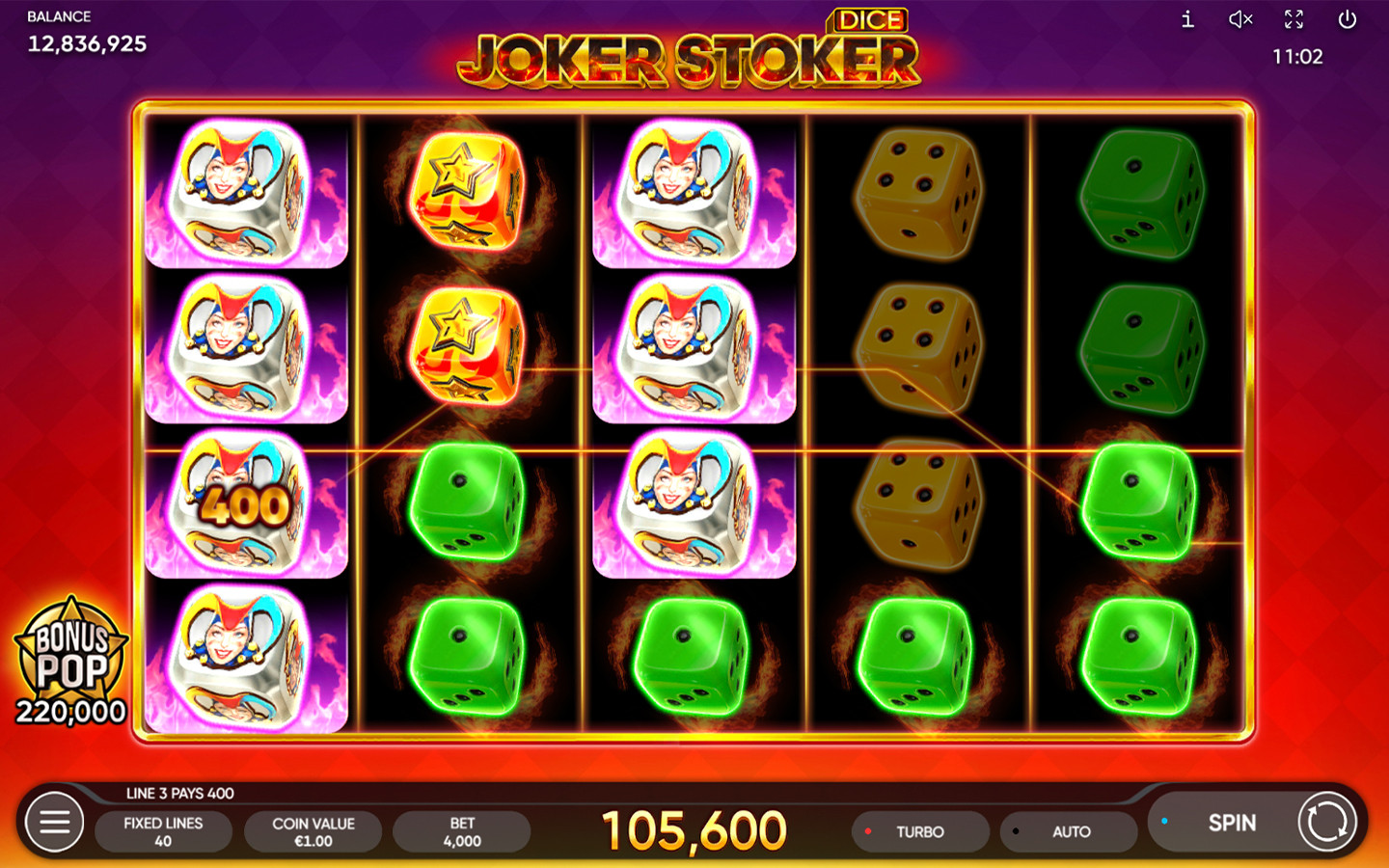
Choose Load demo here, and Endorphina’s original Joker Stoker opens in the panel above. Loading it doesn’t start a round. If you’re after Joker Stoker Dice, go to the version guide instead.
- Read the connection notice next to the player. The demo is a practice mode, meant for adults.
- Press Load demo here once and let the external client finish loading.
- Check that the title says Joker Stoker, and find the currency, balance and stake.
- Find the information button before you touch Spin, Auto or a feature purchase.
- If you only want to read the rules, keep the help open. You don’t need to play a round for that.
Wait until the reels and buttons are clearly readable before using them. We didn’t time how long loading takes.
What loads from outside this site?
When you choose Load demo here, the page connects to Endorphina’s game services. The game stays inside this page, but the connection and how your data is handled are up to the provider.
You need JavaScript and an internet connection to play. Without JavaScript, you can still read this guide and use the site navigation.
Read any notices the game service shows you. We haven’t fully audited its storage, cookies or network behaviour, and having the game embedded here doesn’t make using it anonymous.
How do you read the help without playing?
In the client we inspected, the i button opened the help straight from the idle game screen. To switch to English, we went Menu → Language → English, closed the menu and then opened the information panel. That’s what worked during our check. Future versions of the interface may arrange things differently.
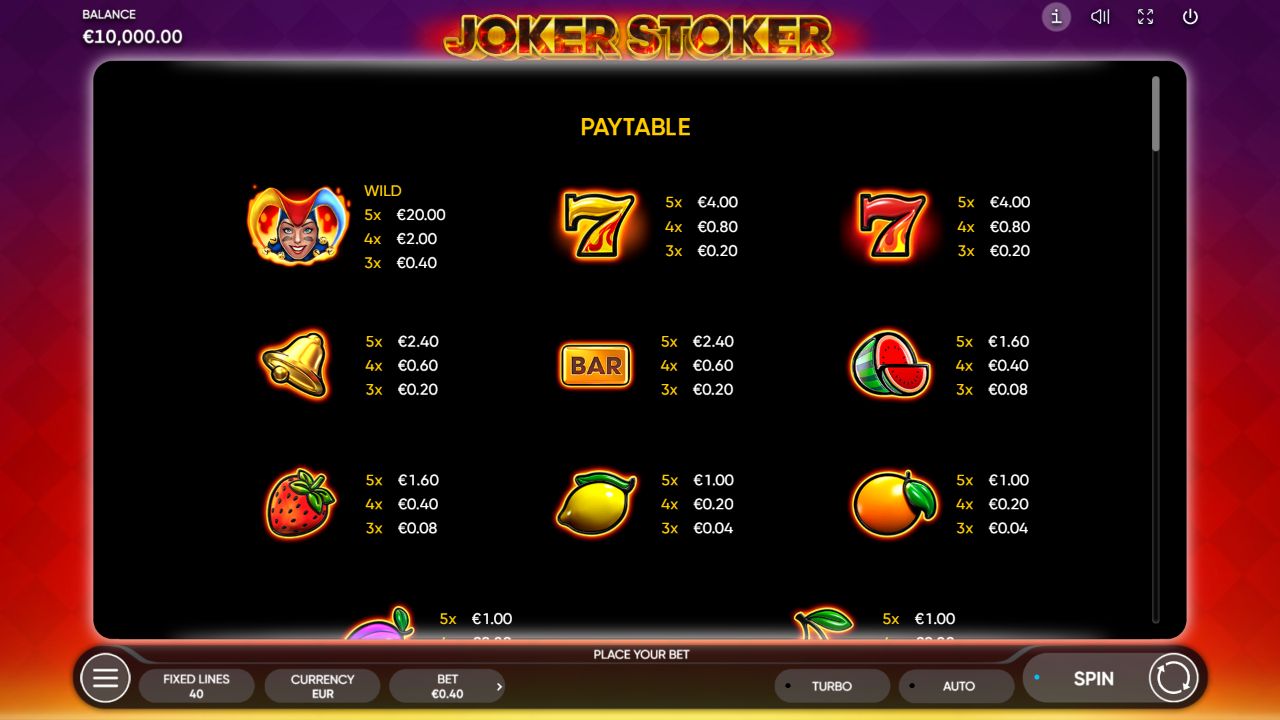
Here’s what the information panel covers, and why each part is worth a look:
| Where to look | What to read or note | Why it matters |
|---|---|---|
| Game header and language menu | Full title and selected language | Makes sure you’re reading about the right game |
| Stake display and paytable | Currency, total stake and the amounts next to symbols | A payout only makes sense next to its stake |
| Line diagrams and Rules | How positions form a winning line | Similar symbols anywhere on screen aren’t enough |
| Wild and Free Games help | Substitution and feature conditions | The symbols do different jobs |
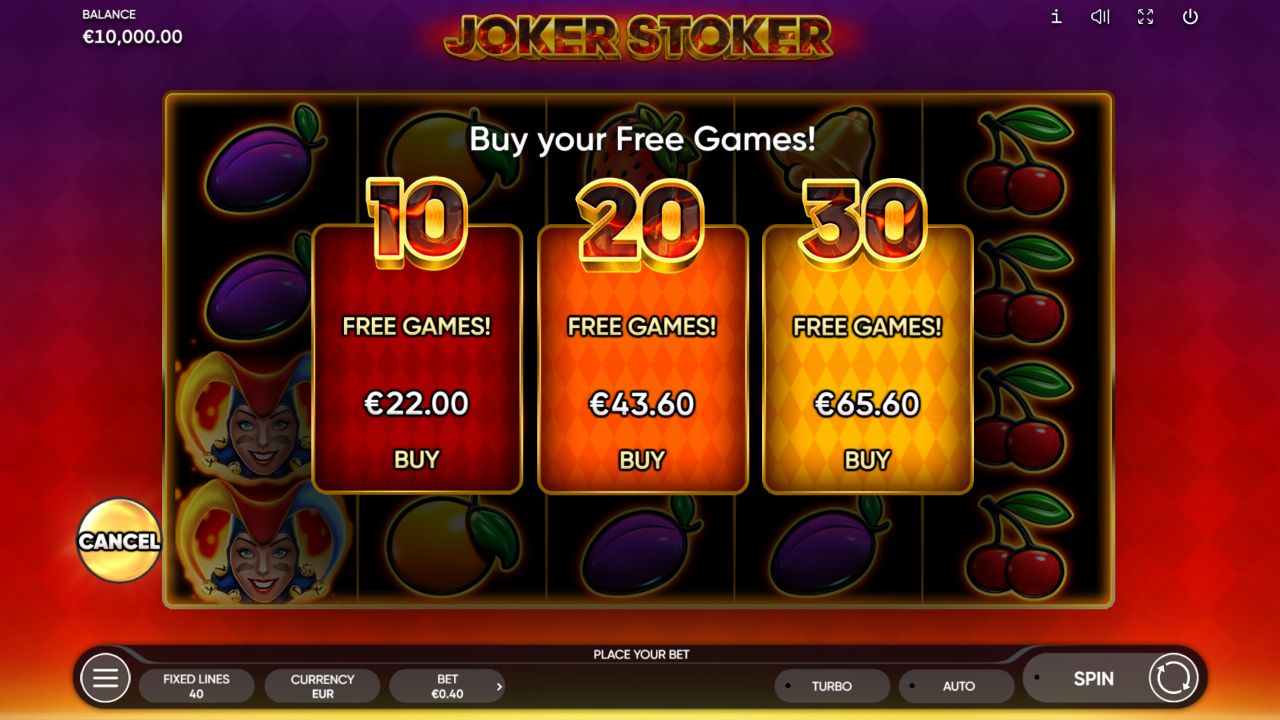
| Bonus Pop information | Entry conditions and any purchase price shown | Reading a price isn’t the same as accepting it |
| Jurisdictional information | The return figure and configuration notes | The inspected demo and the catalogue give different figures |
Our inspection read the paytable at a €0.40 total stake. That explains the amounts we recorded. It isn’t a suggestion to change your own settings. The rules guide walks through the help in detail, and the specifications page sorts out the return figures and the settings that are still unclear. You can close the information panel without starting a spin.
What is the practice balance?
The demo balance can’t be withdrawn. The currency and payout labels show how amounts work in the game. They aren’t deposits or payments.
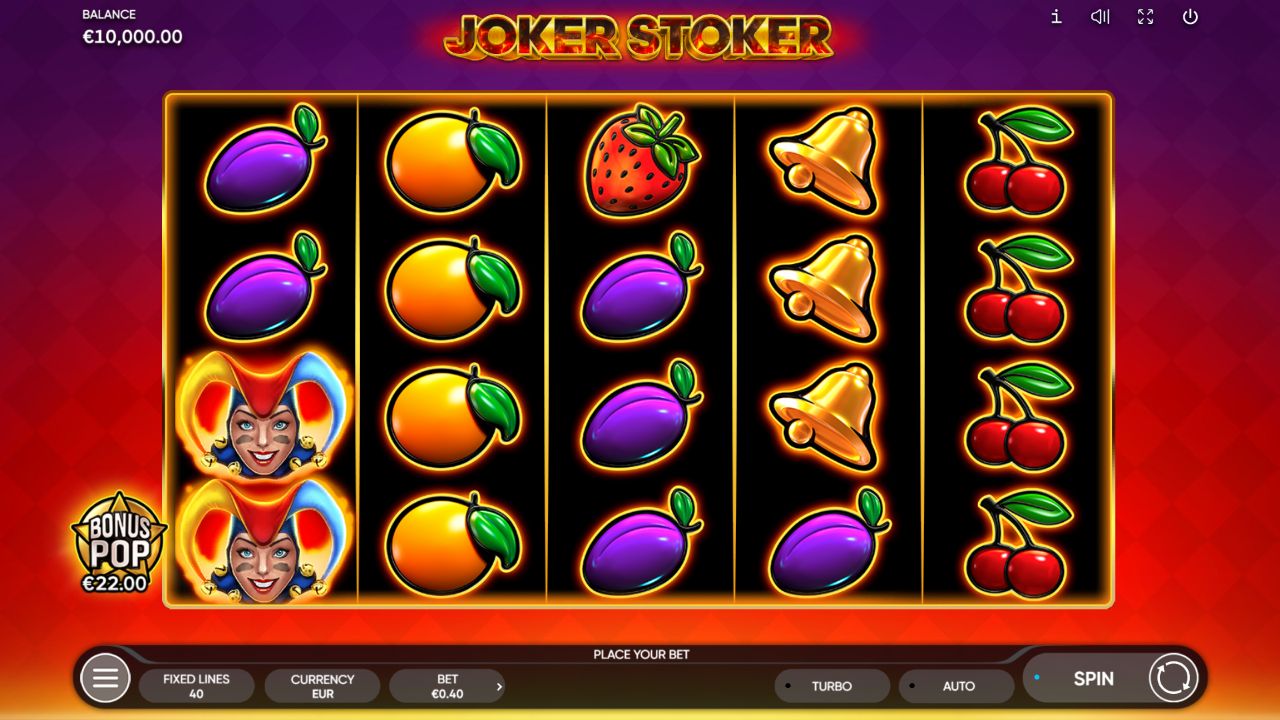
The balance is what you have to play with in the practice session. The total stake is what one spin costs, and a Bonus Pop price is a separate feature cost. Neither a price nor a paytable award tells you how often a combination comes up.
Use the practice mode to find your way around the buttons and labels. It won’t tell you a casino’s account terms, and it can’t predict what happens later.
How do you start a fresh session?
Use Load demo here every time you come back to the demo. The provider may hand out a temporary session address, so a bookmark of that address may not work later.
If there’s an error, read it before relaunching. A new launch doesn’t promise to bring back your balance, language or progress, so note anything you want to compare first.
Reloading the whole guide resets the player to its starting state, and you’ll need to press the launch button again. Try not to restart over and over while the provider is still loading: it gets hard to tell which attempt caused an error. And a fresh launch doesn’t change an access restriction the provider has stated.
What if the demo doesn't load?
Start from what you actually see. The causes below are possibilities to check, not findings about your browser or your location. Change one thing at a time and watch whether the panel behaves differently.
| What you see | Possible reason | What to check next |
|---|---|---|
| The starting message stays on screen | The launch hasn’t been triggered | Press Load demo here and watch the same panel |
| A loading screen that doesn’t seem to move | A broken connection or a delay on the provider’s side | Check whether other pages load; let the current attempt finish |
| The client says the session expired or is invalid | The temporary session is no longer accepted | Start a new session with the launch button |
| The panel stays blank after launch | Script restrictions, an embedding policy or a service failure | Read any browser or provider messages; reload the guide and try one fresh launch |
| The provider says access isn’t available | An availability restriction may apply | Follow the provider’s information; this guide offers no way around location limits |
| Reels appear, but text or buttons are cut off | Screen space, zoom or orientation | Check the display size and the mobile guidance before you play |
| It worked before but not now | The session, network or service may have changed | Note the exact new message instead of assuming the old cause |
We don’t have a verified list of fixes for specific browsers. Don’t switch off all your browser protections just to test a guess. If the problem doesn’t go away, a useful report includes the device, the browser, roughly when it happened, whether the starting message disappeared and the exact error on screen. Leave out temporary session URLs and account details from anything you share publicly. The mobile guide has extra checks for cramped layouts and dropped connections.
Can you use the demo with a keyboard or screen reader?
You can reach Load demo here with the keyboard and press it with Enter. The FAQ and source panels work on their own, separately from the game.
Inside the game is a different story. We haven’t completed a screen-reader audit, and we haven’t verified the game’s keyboard shortcuts, fullscreen behaviour or every focus change. An information icon you can reach doesn’t prove the whole game works by keyboard. If you can’t comfortably read or reach a button, use the written rules while you decide whether that client works for you.
What did our demo check actually show?
On 6 November 2026 we loaded the embedded client of the original game locally in a desktop browser, at 1280 × 720 and in a narrow 390 × 844 viewport. In both, the launch reached visible game controls. A narrow desktop window isn’t the same as testing on a real phone.
In separate inspections, we read the English and Russian help and the feature prices on screen. We didn’t play any spins, buy Bonus Pop or play Risk rounds. So what we recorded supports instructions for reaching and reading the information. It doesn’t support claims about what playing feels like, uninterrupted play, every browser or every country.
Frequently asked questions
Why is there a message in the panel instead of spinning reels?
Because the game hasn't been opened yet. Choose Load demo here. The panel only connects to Endorphina after you press it.
Will reopening the demo bring back my previous practice balance?
Don't count on it. We haven't verified whether the balance or the session is restored, so treat every launch as a new request to the provider. Earlier settings or progress may not come back.
Should I save the long address the game client shows?
No. Use the launch button on this page instead. The provider can issue temporary session parameters, so you don't need that address to come back, and copying it may keep session data in it.
Does a blank panel mean the game is blocked in my country?
Not necessarily. A failed launch can have several causes. Read any message the provider shows and check your connection and the session before blaming availability. If the provider does report an access restriction, follow it.
Can I read the guide with game scripts turned off?
Yes. The article, the site navigation and the source notes are ordinary page content. The game itself needs JavaScript, though, so being able to read the instructions doesn't mean the client will run.
Sources for this material

Author Anthony Rodrigez
Editor Bernard K